Scan a card.
Save a contact. Done.

CardSnap instantly scans business cards and saves contacts to your phone. No account needed. Everything happens on your device.

Scan Card

How It Works

1

Open & Point

Open CardSnap and point your camera at any business card. Align it within the frame guide.

2

Tap Scan

Tap the scan button. CardSnap instantly captures and processes the card using OCR technology.

3

Review & Save

Review the extracted contact details, make any corrections, and save to your contacts.

4

Done!

Contact saved! Ready to scan the next card in seconds.

App Screens

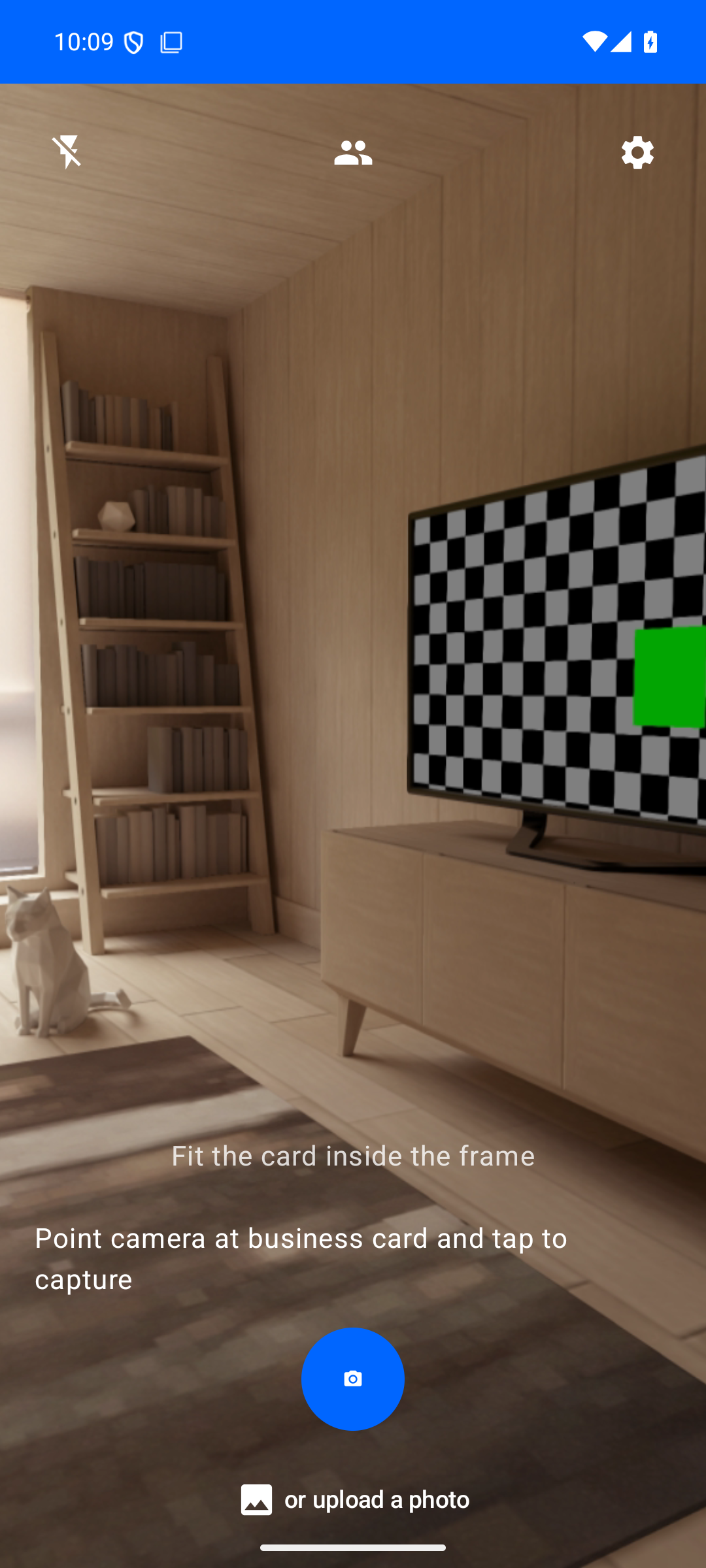
CardSnap Scan Screen

📸 Scan Screen

Point and capture any business card with the guided frame
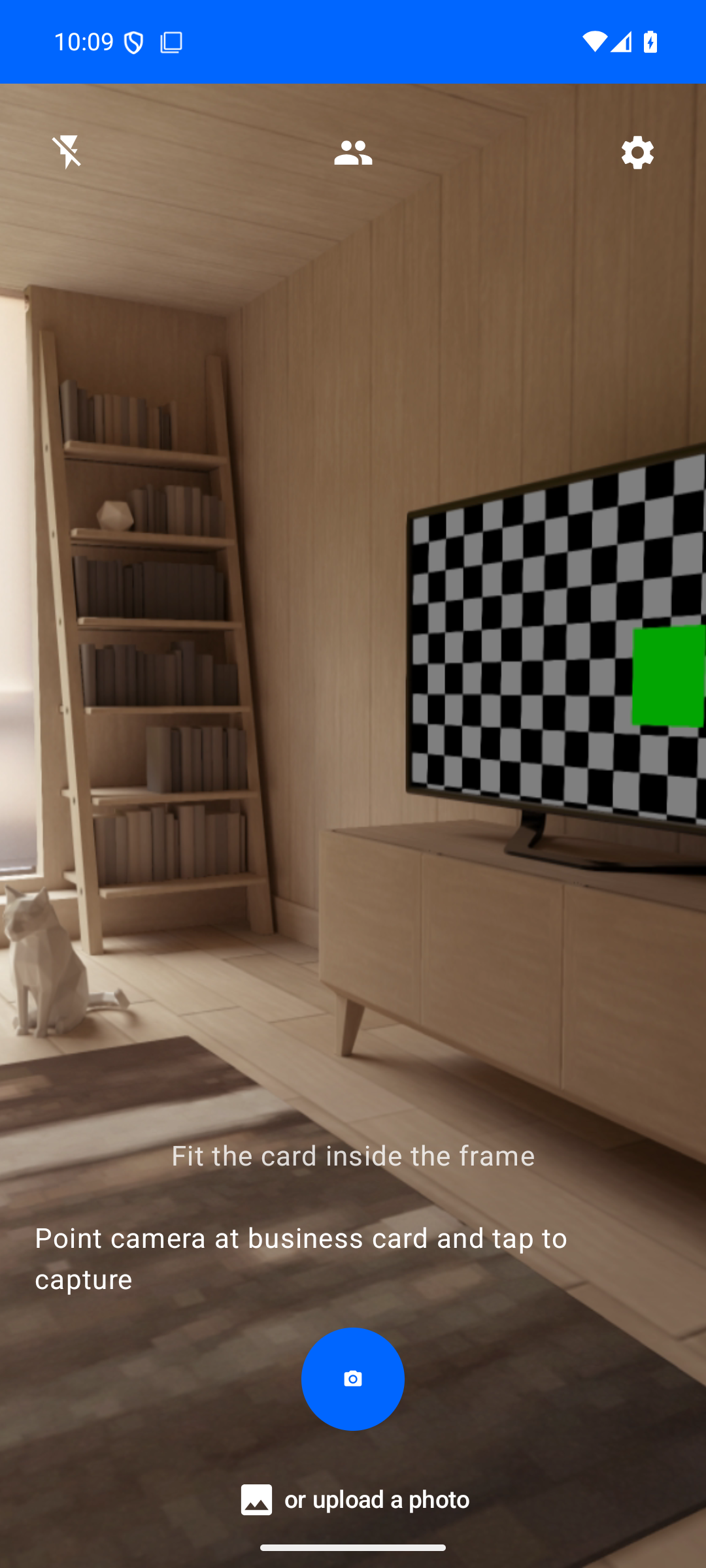
CardSnap Contacts List

📇 Contacts List

View and manage all your scanned business card contacts
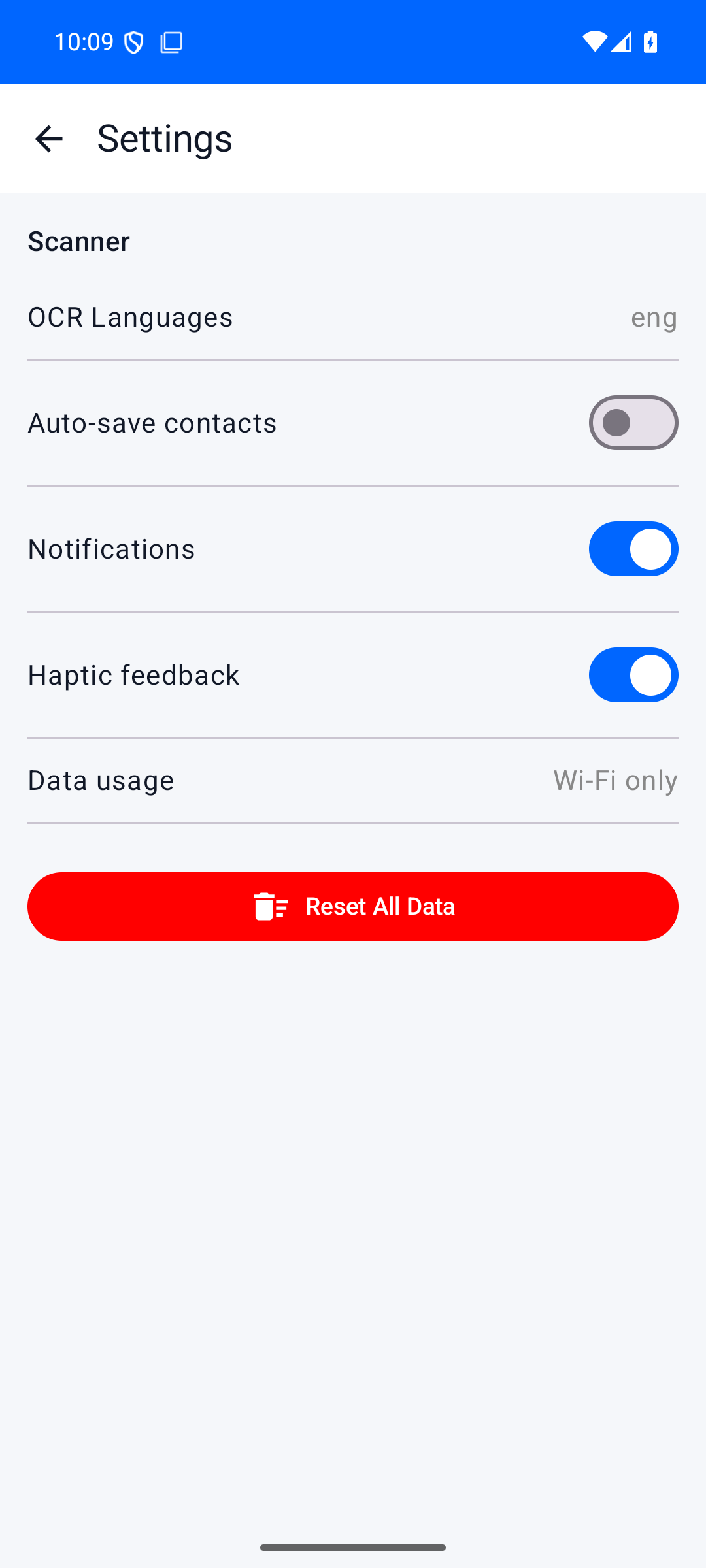
CardSnap Settings

⚙️ Settings

Configure auto-save, haptics, and export options

Features

Smart OCR

Google ML Kit Text Recognition extracts all text with high accuracy from business cards.

Auto-Save

Optionally save contacts automatically after each scan. No extra taps needed.

Export & Share

Export contacts as vCard (.vcf) or CSV. Share via any app on your device.

Multi-Language OCR

Supports English, Chinese, German, French, Spanish, and more languages.

Privacy First

All processing happens on-device. No data is ever sent to external servers.

Native Android

Built with Jetpack Compose, CameraX, and Material 3 for the best native experience.

Get CardSnap Free

Download from GitHub Releases or install directly from the APK file.

Requires Android 8.0 (API 26) or higher